
When plans keep changing
Stop repeating the same details across calls and chats
After a loss, information travels through phone calls, WhatsApp groups and forwarded messages. People miss updates. Family members answer the same questions again and again.
With Timeless, you add the gathering time and location to the memorial and share one link. When something changes, you update it once—and everyone who has the link can find it.
How it works
Step 1
Begin a memorial
Start with their name. You can add gathering details next.
Step 2
Add the gathering
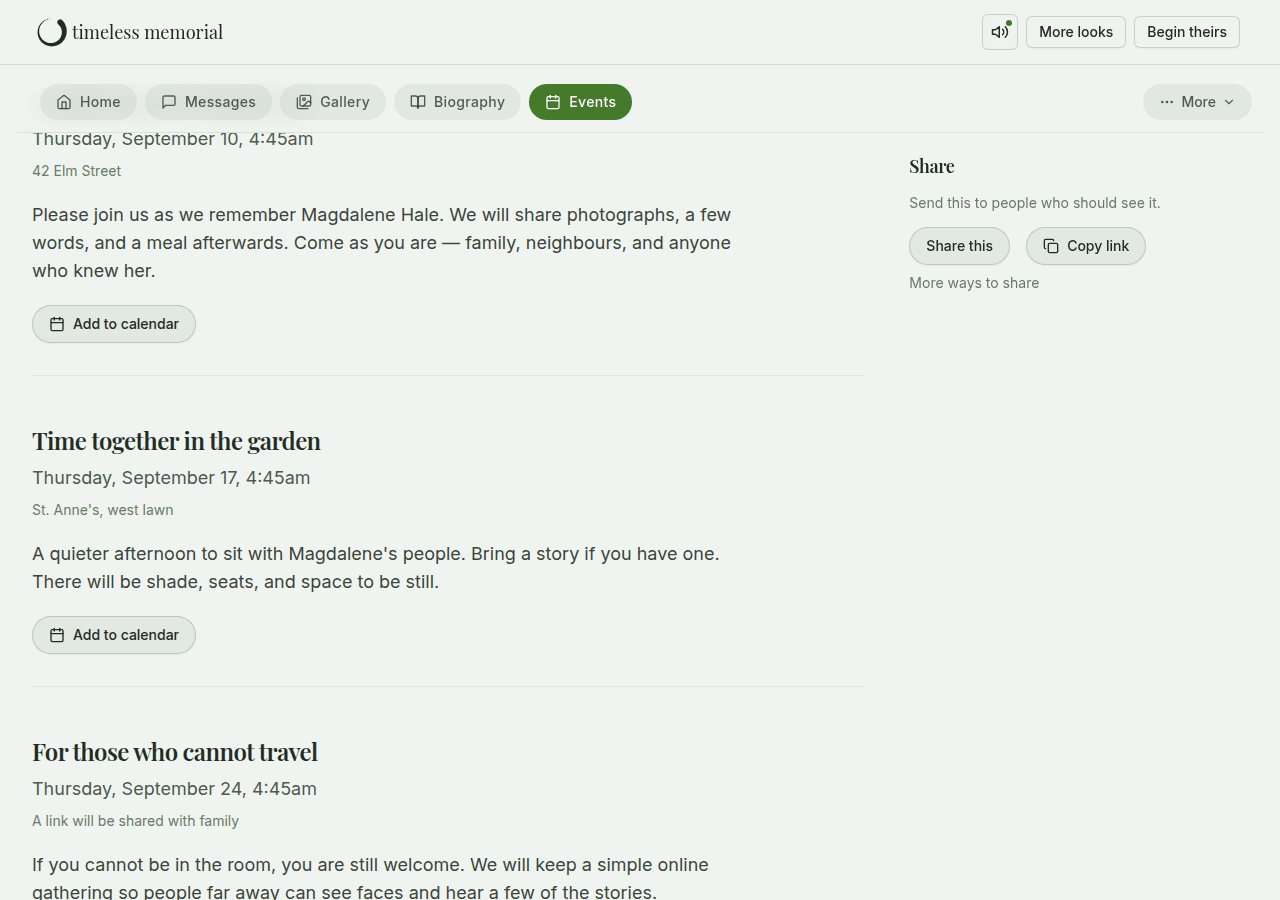
Write the time, location and a few words. You can add more than one gathering if needed.
Step 3
Share the link
Send one link to family and friends so everyone finds the same details.
What you can share
Time and location
Write where and when people should gather. Location is plain text—clear and simple.
Important updates
Change the details on the memorial when plans shift, so one source stays current.
Ways to take part
Invite RSVPs, go live or add a meeting link for people far away, and receive tributes.
Learn moreSee how it looks
Gentle and clear
One link
Fewer forwarded messages. One home people can return to.
You control visibility
Choose how openly the memorial is shared.
No ads
No ads or unrelated promotions on the memorial.
Questions families ask
- Can I share more than one gathering?
- Yes. You can add multiple gatherings—such as a viewing and a service—each with its own time and details.
- Does Timeless show a map?
- Location is shared as written text on the gathering. Families can include an address or landmark people will recognise.
- What if the details change?
- Edit the gathering on the memorial. Anyone with the link can see the updated information.
Related ways Timeless helps
Each page focuses on one family need.
Begin a memorial
Share the details when you are ready. A name is enough to begin.